Your assistant, wherever your guests book.
It answers the phone and takes bookings on your website, automatically.
It answers the phone for you.
It talks to your guests in Polish and German, takes, changes and cancels bookings, and puts each one straight on your reservation list.
- Restaurant
Good afternoon, this is the automated service at Bistro Lumière. How can I help?
- Guest
Hi. I’d like to make a booking for tomorrow.
- Restaurant
For what time?
- Guest
For 8 pm.
- Restaurant
For how many people?
- Guest
For two.
- Restaurant
What name is it under?
- Guest
Tomasz.
- Restaurant
Tomasz, did I get that right?
- Guest
Yes.
- Restaurant
Let me repeat the details to be sure. A booking for tomorrow at 8 pm for 2 people, is that right?
- Guest
Yes.
- Restaurant
Done. Is there anything else I can help with?
- Guest
I also wanted to ask whether I can pay by card.
- Restaurant
Yes, you can pay by card. Is there anything else I can help with?
- Guest
No, that’s all. Thanks.
- Restaurant
Thank you, goodbye.
- Takes, changes, cancelsIt runs the whole booking itself, from the first question to the confirmation.
- Straight onto your listNo copying from a notepad. The booking sits with all the others.
- Never pretends to be humanFrom the first sentence, the guest knows it is an automated service.
- Knows your restaurantIt answers questions about your place, such as whether you take cards.
Guests book for themselves, on your website.
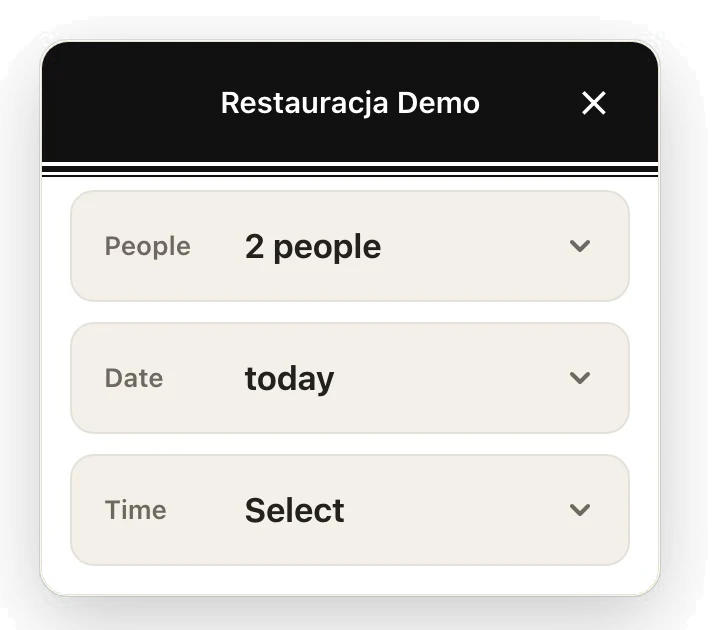
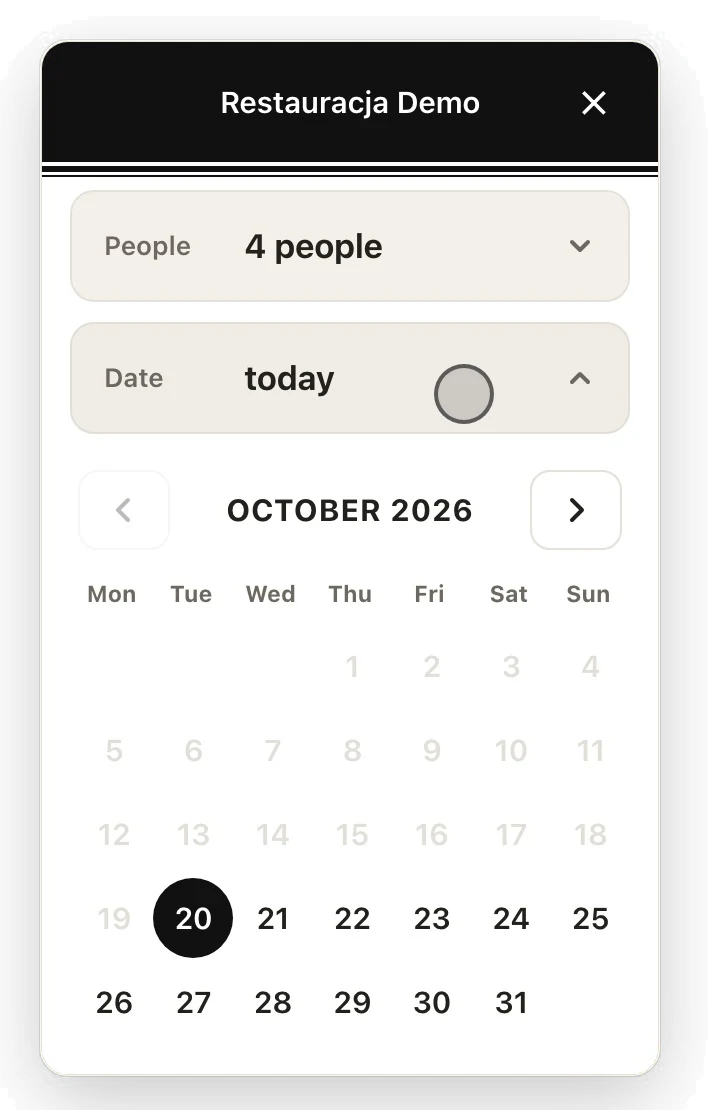
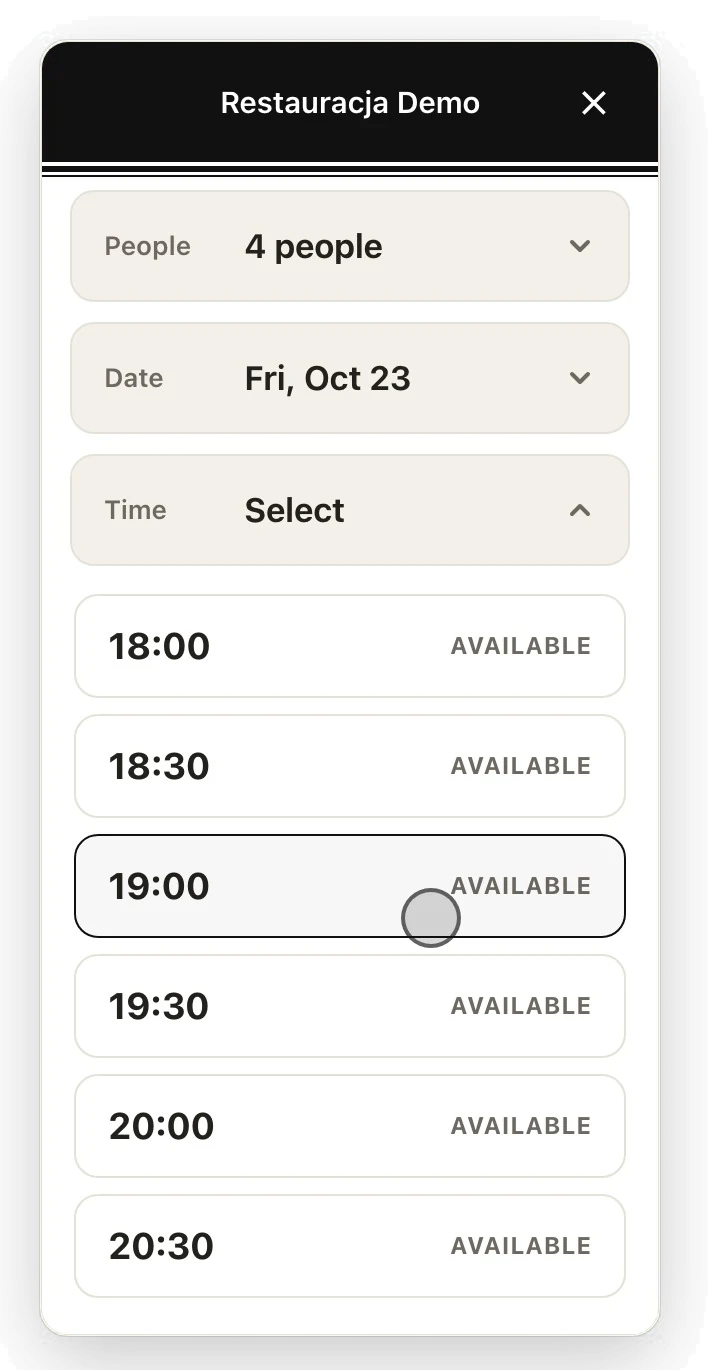
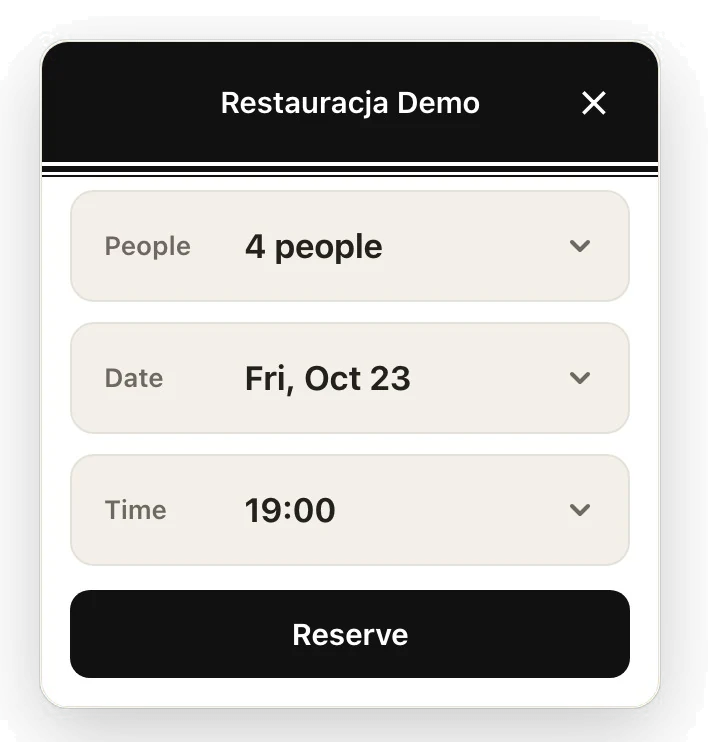
The ResTable widget lets guests book free tables straight from your website, always based on how full the restaurant really is, so there is no room for mistakes.
- 1Opens the widget
On your website, without going anywhere else.
- 2Says how many are coming
One tap. Larger groups are sent straight to the restaurant.
- 3Picks a day
The calendar shows the days you take online bookings.
- 4Picks a time
Only times that are really free. The widget always knows how many more bookings it can take, by your rules.
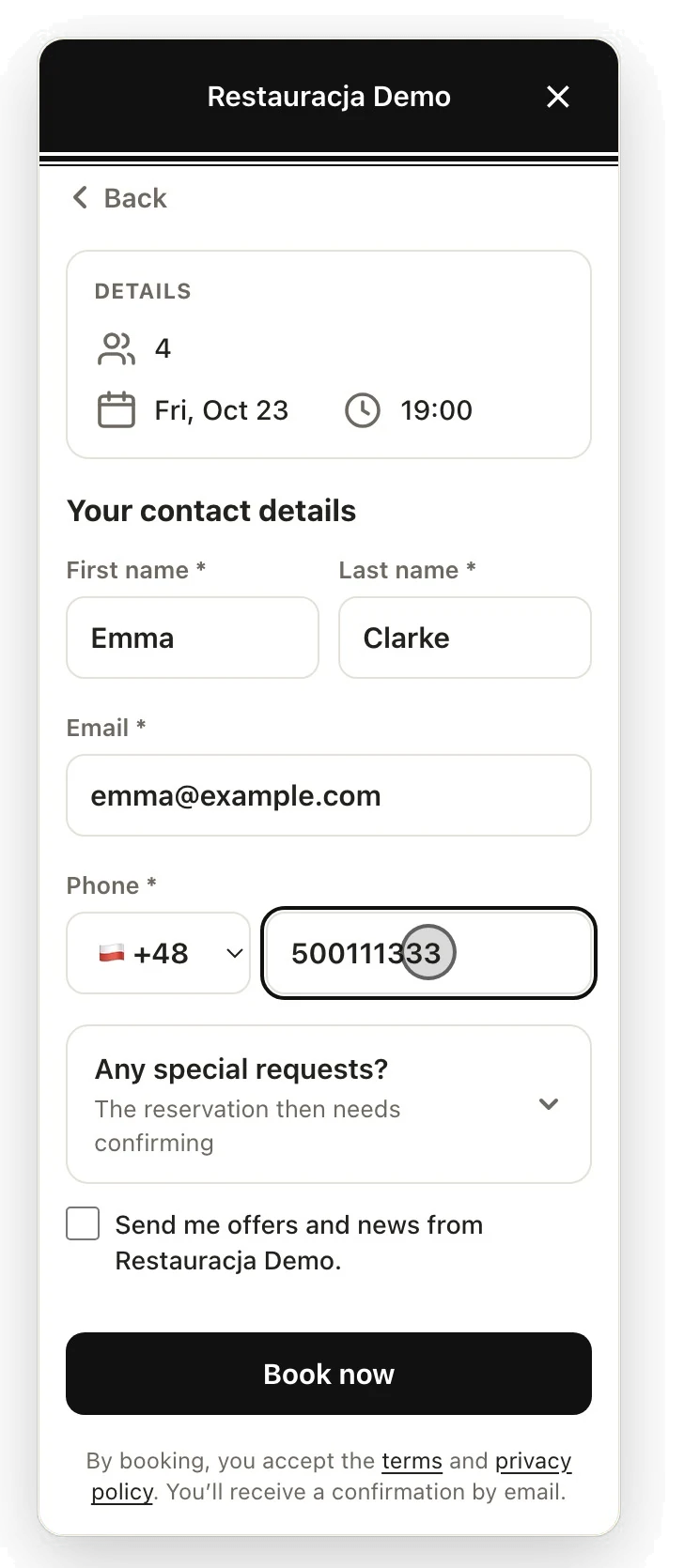
- 5Leaves their details
First name, last name, phone and email, and a special request if they have one.
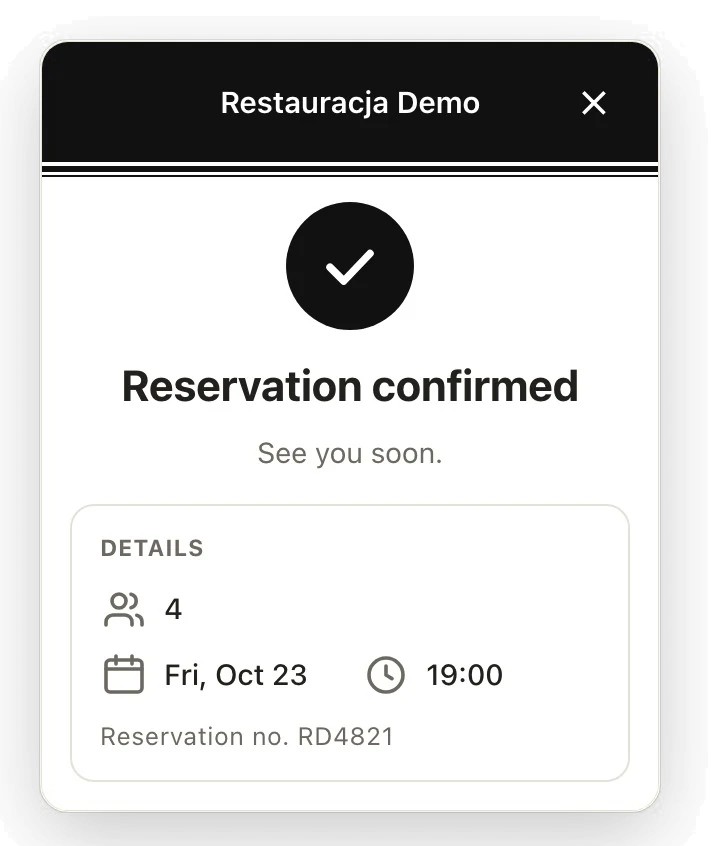
- 6Done
The guest sees a confirmation and gets an email, and the booking lands on your list.
- 7Try it yourself
The real widget is waiting in the bottom right corner. The restaurant is a demo, so nothing you book here is saved.
Open the widget